
Snowflake query and security telemetry can be monitored in Datadog via the Snowflake–Datadog integration
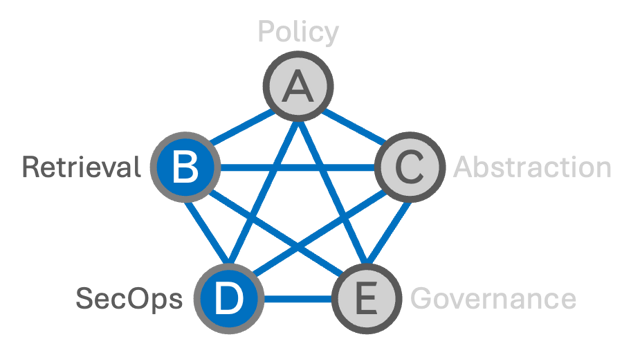
Datadog’s Snowflake integration collects logs from Snowflake query history, security, and event tables and ingests Snowflake usage metrics, allowing enterprises to observe Snowflake query and security telemetry from Pillar B within Datadog’s Pillar D dashboards and alerting flows through a vendor-supported custom integration.
Linked Evidence
Datadog’s Snowflake monitoring guidance explains that the integration collects logs on query history, security, and event tables and ingests metrics from Snowflake account and organization usage schemas, supporting performance and usage monitoring.
How to monitor Snowflake performance with DatadogDatadog documentation for monitoring Snowflake describes bringing Snowflake data into Datadog by writing SQL queries in the integration tile to collect custom metrics and tags, including security and operational metrics, for dashboards and alerts.
Monitor Snowflake with DatadogA Snowflake developer guide details how to monitor Snowflake Postgres logs with Datadog by enabling logging to Snowflake event tables, granting a Snowflake role, and configuring Datadog’s Snowflake integration to ingest those logs.
Monitor Snowflake Postgres Logs with Datadog